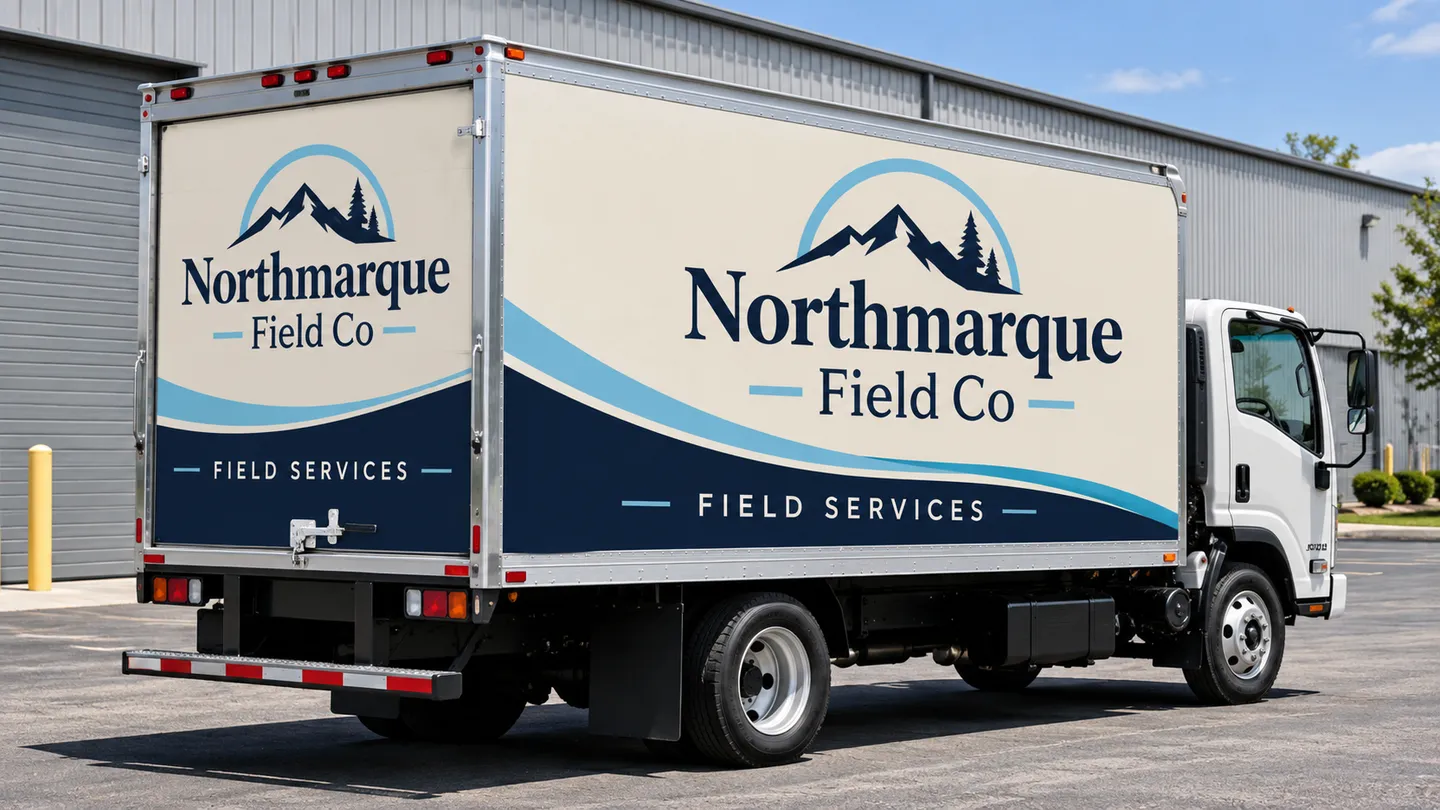
Use a naming pattern that stays readable
Begin each filename with the stable vehicle identifier, then add a view or area label and a sequence where needed. Keep the terms consistent across the packet. Avoid filenames containing sensitive personal information or ambiguous labels such as latest picture. If the phone supplies long automatic names, record a mapping in the index or create clearly labeled working copies while preserving originals. The key is an unambiguous connection between the record and the actual unit.
- Keep driver and passenger sides spelled out consistently.
- Separate vehicles into folders when the packet includes several units.
Write an index that answers the next question
For each image, list its filename, unit, view and a short factual note. Identify whether it shows the whole vehicle, equipment, old graphics or a condition area. Link close-ups to their overview. Add missing views to a follow-up list rather than letting the recipient assume they were checked. Keep dimensions, product history and other non-photo evidence in the vehicle record, with confidence or source notes. An organized index should not imply that unseen surfaces were inspected.
- Flag images that are older than the current vehicle configuration.
- State which views still need to be collected.
Share and retain the packet deliberately
Use the route agreed with the shop and check that the recipient can access the intended files. Avoid sending one supplier a changing public folder without explaining revisions. If a new image changes the condition or body information, update the index and identify the change. Retain the issued packet with the inquiry or proposal reference. Later proof reviews and handoffs can then refer to the same evidence without guessing which set of photographs was used to prepare the scope.
- Preserve originals at useful quality.
- Keep a dated issued version of the index with the project record.
Keep a working record
Before you approve the next step
- Stable unit identifiers used.
- View labels consistent.
- Close-ups connected to overviews.
- Missing or outdated images flagged.
- Issued packet version recorded.
- Recipient access checked.
Use the free planning tool to organize the details you can confirm and the questions still open.
Four questions before the next step
Does renaming images change their technical suitability?
No. It improves organization. The supplier may still need different views, original-quality files, measurements or an in-person assessment for the actual project.
Read the detailed guide: Build a photo index a wrap estimator can follow
Should I send every image on the phone?
Send the relevant overviews and evidence, with an index. Keep originals available and add requested follow-up views. Repeated, unrelated or unexplained images can make important details harder to find.
Read the detailed guide: Build a photo index a wrap estimator can follow
Are photos a substitute for measurements?
No. They explain configuration, equipment and visible condition. Confirm how the shop will establish any dimensions or inspect surfaces required for the actual production scope.
Read the detailed guide: Take vehicle overview photos that explain the wrap scope
Should I send only the best-looking vehicle photos?
Send clear and useful evidence, including areas that raise questions. A flattering image that hides old graphics or damage can make the initial scope less reliable.
Read the detailed guide: Take vehicle overview photos that explain the wrap scope
Original technical sources
Use the linked publisher's current instructions for the exact product and vehicle. This planning guide does not replace its application, safety or warranty requirements.